SleepMix / Features
What stays on your phone, and what Pro adds
A sleep app sits on the nightstand for hours, so it is fair to ask what it stores, what it needs from the internet and what you pay for. These are the answers for the current version.
Mixes play without a connection
Every SleepMix sound ships inside the app, so once it is installed a mix plays in airplane mode or in a room with no signal. Mixes, presets and settings are saved on the phone itself.
There is no account and no iCloud sync. A new iPhone starts with a fresh app, and deleting the app removes your saved mixes, so note down a favourite blend before you reinstall.
Sleep Insights stays on the device
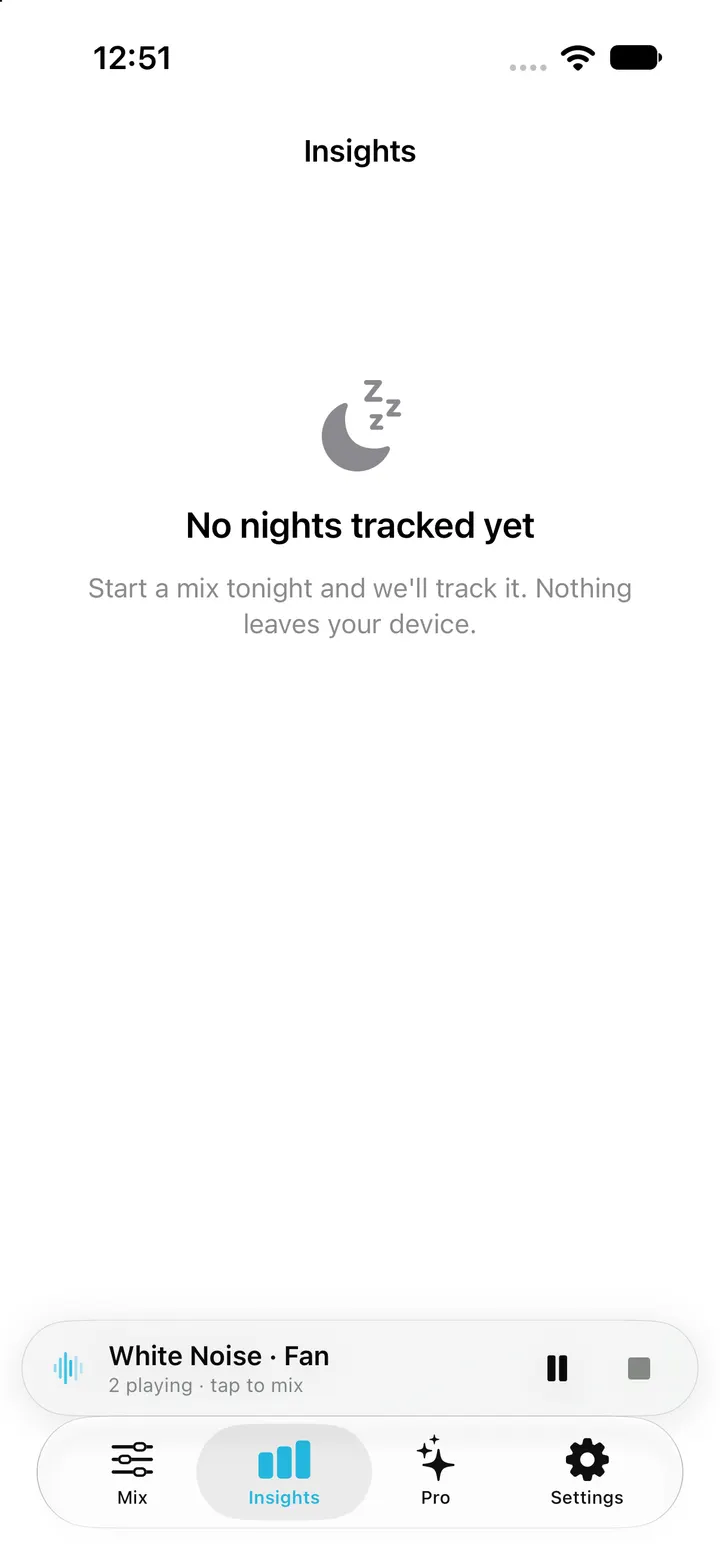
Each time a timer session ends, SleepMix records it on the phone: how long the mix played and whether fade-out was used. The chart shows the last seven nights, and records are kept for 30 days.
These are notes about your listening, not a measurement of sleep. The screenshot shows the honest empty state of a new install rather than an invented chart.
Ads and tracking on the free tier
The free tier shows ads from Google’s mobile ad service. Full-screen ads are held back for the first 90 seconds after launch and only appear when no sound is playing, so they do not cut into a running mix.
Before iOS asks for tracking permission, the app explains the request. If you decline, ads are not personalised, and free users can also turn interest-based ads off in Settings. The current data disclosure is in the App Store privacy section.
What Pro adds
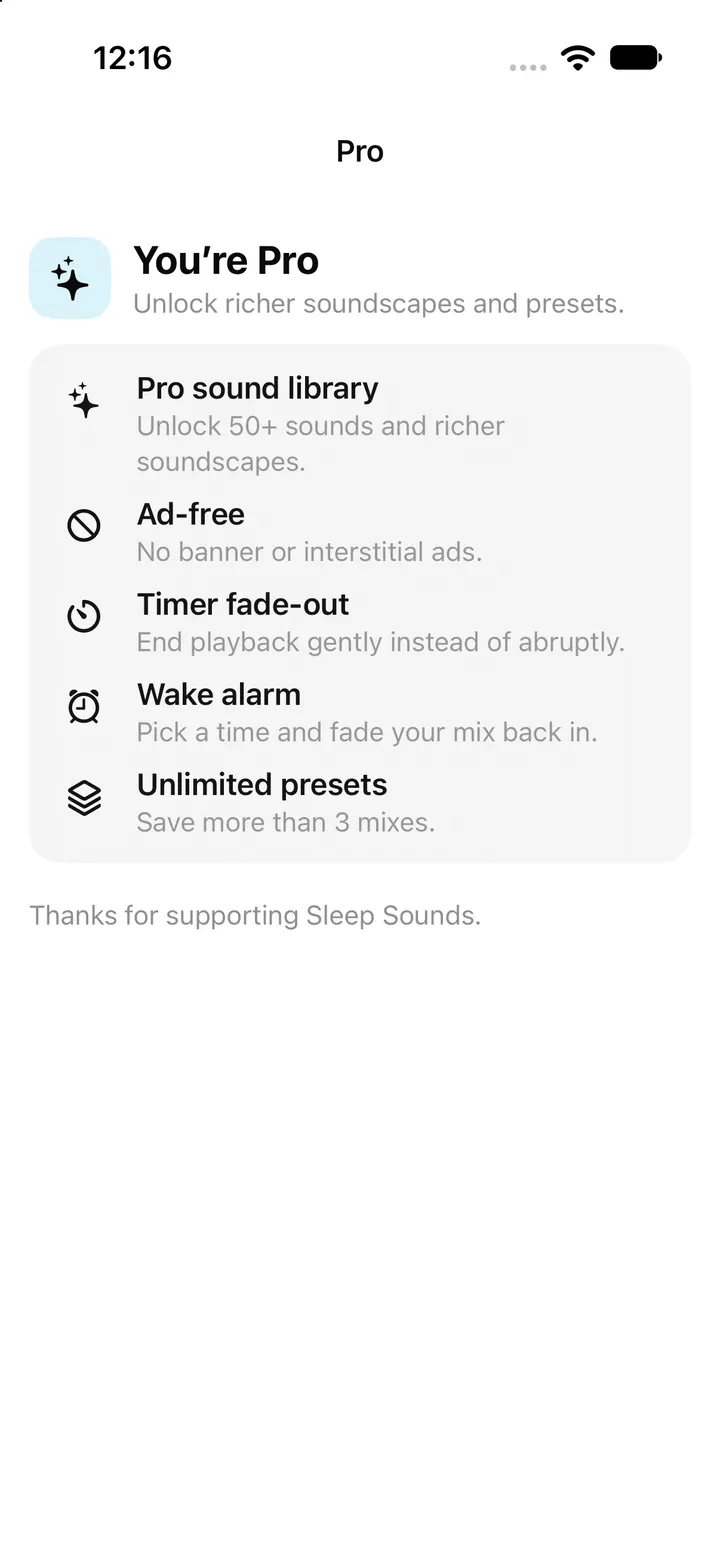
Pro unlocks the 48 extra sounds, all 20 curated soundscapes, unlimited presets, timer fade-out, Box and custom breathing, Wake Alarm, Smart Wake, Crescendo and the bedtime reminder.
Weekly, yearly and one-time lifetime options exist. The price and any trial depend on your region and the current offer, and the App Store shows the terms before you confirm. The pricing page explains how to check them.
Restore a purchase
If Pro does not appear after reinstalling or moving to a new iPhone, open Settings in SleepMix and tap Restore Purchases while signed in with the same Apple Account. Apple handles billing, cancellation and refunds. If Pro still does not appear, email support with your device and iOS version.
Checked against the app’s source code and real simulator captures on 28 October 2026. Screenshots come from a clean iPhone simulator; demo or empty states are named in each caption. Features can change in later app updates.